 Fuvay
INSTAGRAM REELS
A seasonal home checklist
Build a Reel around getting the AC serviced before summer or booking a home clean before guests arrive. Put your creator code in the caption.
Give your followers a way to find home services. Earn a reward when someone new to Fuvay uses your code and completes their first booking.

Start in the Creator Portal, then share Fuvay on the channels where your audience already follows you.
Enter your mobile number in the Creator Portal and verify the code you receive on WhatsApp.
Share an approved Fuvay video or caption with your creator code so followers can book through your referral.
Earn a reward when a new customer you refer completes their first Fuvay home service booking.
Track your rewards in the Creator Portal and withdraw through UPI or bank transfer.
You earn a reward when a new customer you refer completes their first home service booking. Your total depends on how many referrals qualify and the reward for each booking.
Check your actual rewards in the Creator Portal. When you’re ready to withdraw, use UPI or bank transfer.
Use the reward amount shown in your Creator Portal and the number of first bookings you expect new customers to complete.
Reward per booking × completed first bookings
Use this estimate for bookings with the same reward amount.
Influencers, Instagram creators and YouTubers can use approved content and a personal referral code from the Creator Portal to introduce Fuvay to their followers.
Share an approved Fuvay video as a Reel, a Short or a social post.
Pair your video with an approved caption that explains the service to your followers.
Include it in the post or description so a new customer can book through your referral.
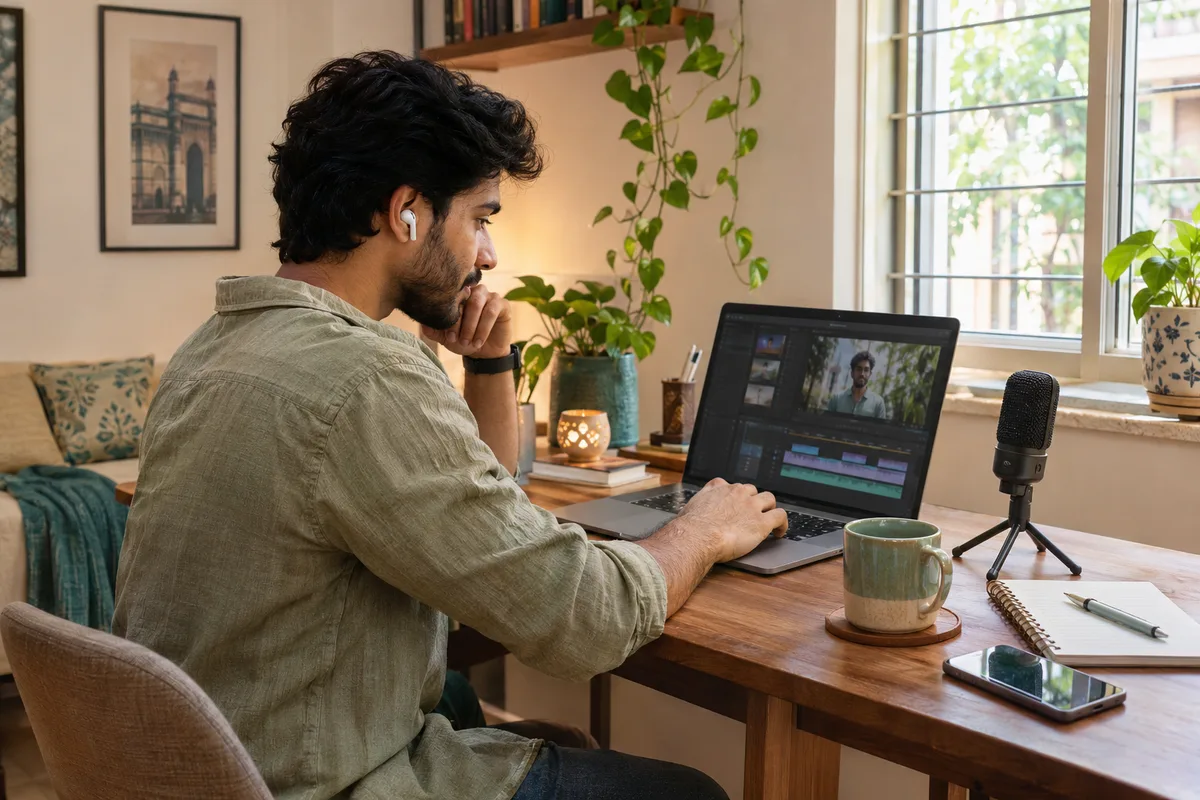
Getting your AC ready for summer? Book a service on Fuvay and use my referral code.
If you make home, lifestyle or local content, start with a service that answers a question your followers already ask.
Build a Reel around getting the AC serviced before summer or booking a home clean before guests arrive. Put your creator code in the caption.
Explain when a leaking tap or faulty appliance needs attention. Tell viewers where to find your code in the video description.
Share how followers can find plumbing, electrical or other home services in their area, and include your code so they can use it when they book.
Open the Creator Portal, enter your mobile number and verify the code sent on WhatsApp. The same steps create your creator account if you’re new. Fuvay asks for your name if you’re new to Fuvay.
A reward is paid when someone new to Fuvay books through your referral and completes their first home service booking.
Only the first completed home service booking of a new customer you refer qualifies for a reward.
You can share an approved Fuvay video and caption from the Creator Portal. Include your personal referral code when you post.
You can track your referrals and earned rewards in the Creator Portal.
You can withdraw your creator earnings through UPI or bank transfer.
Use the Creator Portal to join or sign in with your WhatsApp number and access your code and promotional content.